Build a Professional Website with AI in Minutes
Describe your business, choose a template, and let Vyrix's AI generate a complete, professional website — no coding, no design skills required.
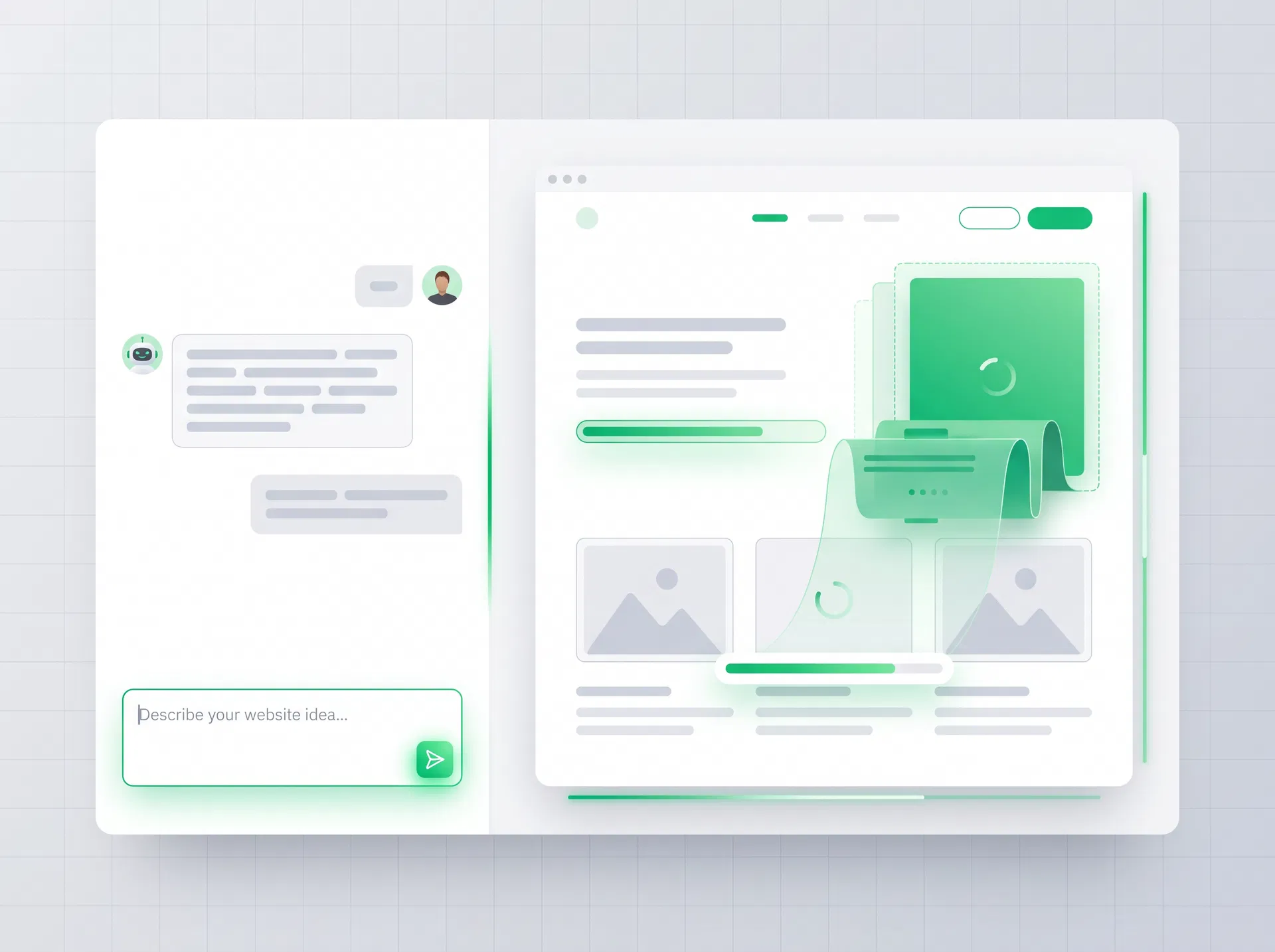
Describe Your Website Idea
Type a description of your business and our AI will generate a complete website concept for you.
Try one of these example prompts:
Everything You Need to Build & Launch
Vyrix's AI builder comes packed with features to help you create, customize, and launch a professional website fast.
AI Prompt Builder
Describe your business in plain English and watch Vyrix generate a complete, professional website in seconds.
100+ Templates
Choose from professionally designed templates for every industry — business, ecommerce, portfolio, healthcare, and more.
AI Copywriting
AI-generated headlines, descriptions, and page content tailored to your industry and business type.
Mobile-Ready Design
Every website built with Vyrix is fully responsive and optimized for mobile, tablet, and desktop.
SEO Setup
Built-in SEO tools help your website rank on Google — meta tags, sitemaps, and page speed optimization included.
Ecommerce Ready
Add a full online store with product listings, cart, checkout, and payment integration in minutes.
Two Ways to Build Your Website
Build with AI Prompt
Describe your business in plain English. Our AI generates a complete website with pages, content, and layout — ready to customize and launch.
- Instant website generation
- AI-written content
- Industry-specific layouts
- Customizable with drag-and-drop
Start from a Template
Choose from 100+ professionally designed templates for every industry. Customize with our drag-and-drop editor — no coding required.
- 100+ professional templates
- Industry-specific designs
- Drag-and-drop customization
- Mobile-responsive by default
Your Website Launch Checklist
Follow these steps to go from idea to live website.
Ready to Launch Your Website?
Join thousands of entrepreneurs and small businesses who launched their online presence with Vyrix.